Multi-platform client
Multi-platform support
Use the same core logic across Windows, macOS, Android, and other supported devices.
Smart routing
Keep routing, switching, and connection behavior easier to follow in daily use.
Clearer control
Understand status, node behavior, and connection choices with less guesswork.
Clash brings smart routing and clearer control to daily connectivity.
Clash is built for users who want more predictable routing, easier node management, and a more consistent experience across desktop and mobile. From first setup to everyday switching, the focus stays on stability, clarity, and control.
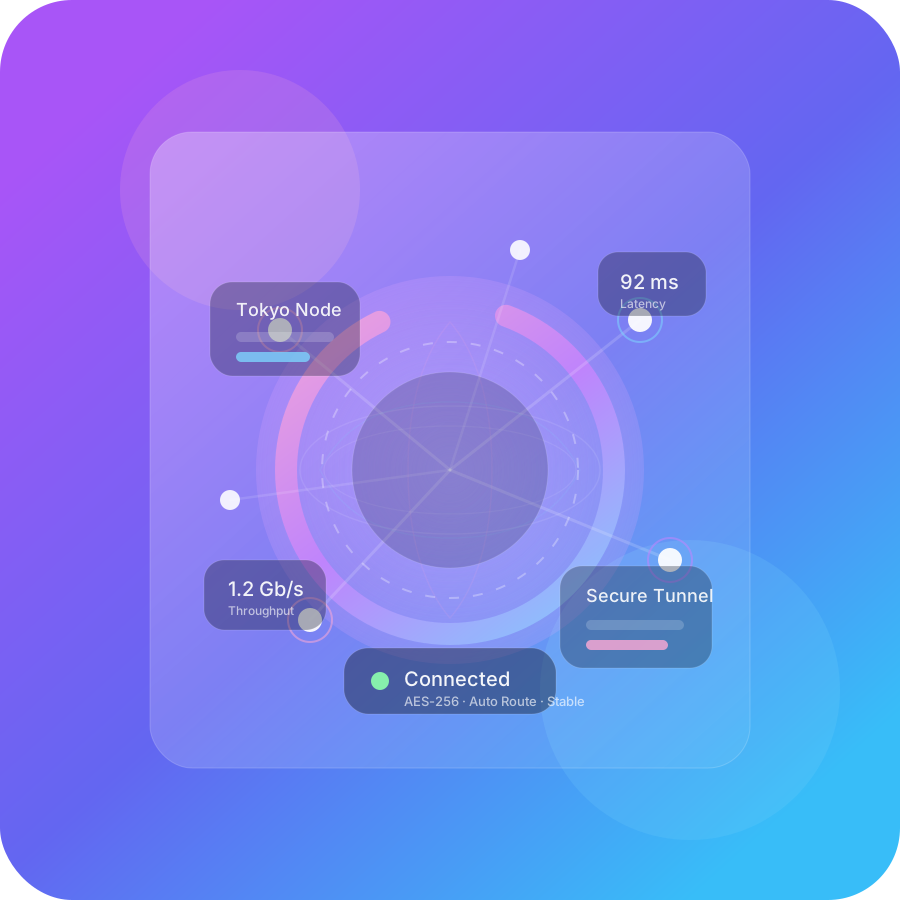
Product preview
Service status normal
Core Features
Clash brings routing, nodes, configuration, and connection behavior into a more coherent product experience, making everyday use easier to understand and easier to manage.
Routing, switching, and configuration work better as one system.
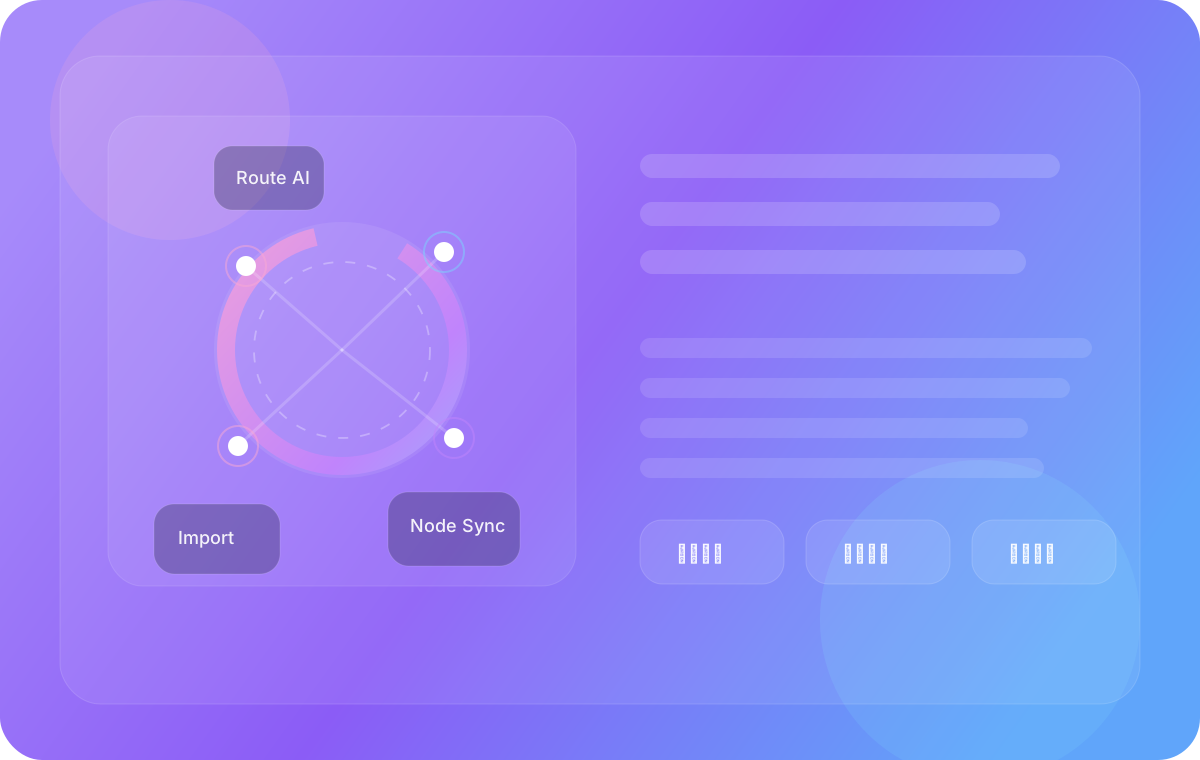
Instead of treating node selection, connection modes, and configuration import as separate actions, Clash brings them together in a clearer product flow that supports both first-time use and long-term daily management.
Smart routing
Match traffic behavior more naturally to real usage patterns and routing needs.
Node management
Handle node selection, grouping, and switching in a way that stays readable over time.
Status visibility
See what is happening more clearly when switching modes, checking results, or adjusting behavior.
Use Cases
Clash is especially useful when routing behavior, switching speed, and multi-device continuity matter more than one-time setup alone.
Cross-border work
Well suited for overseas services, collaboration tools, and region-sensitive workflows where stability and switching matter.
Multi-device workflows
Move between desktop and mobile while keeping a similar connection model, routing logic, and feedback flow.
Lower setup friction
Helpful for users who want to reduce learning cost and get to a usable state with less unnecessary complexity.
Stable daily use
Useful for users who care about predictable behavior, smoother switching, and better control over time.
Platform Support
Different devices support different usage styles, but the product logic stays consistent enough to make switching and daily use easier to follow.
Windows
A fuller desktop experience for frequent daily use, node management, and more detailed control.
macOS
A balanced experience for work, creative tasks, and long-running cross-region collaboration.
Android
Built for mobile-first usage, quick switching, and always-available access on the go.
More Platforms
Prepared for broader device coverage while keeping the same core product logic.
See the FAQGetting Started
From device choice to first setup, the path is meant to stay simple enough to follow without adding unnecessary friction.
Choose your device
Select the right platform based on your main environment and reduce first-choice friction.
Complete the initial setup
Use a clearer onboarding flow to keep first-time setup easier to follow.
Start connecting
Reach a usable state quickly while balancing speed, stability, and control.
Keep it smooth over time
Maintain a stable daily experience without pushing unnecessary complexity back onto the user.
Frequently Asked Questions
These are the questions most users want answered first when deciding whether Clash fits their needs and workflow.
Who is Clash best suited for?
If you value stable connectivity, clearer node management, multi-platform consistency, and a lower learning curve, Clash is better suited for long-term use.
Is first-time setup complicated?
No. Clash is designed to reduce friction from device choice to a usable state without adding unnecessary learning cost.
How is it different from a generic proxy tool?
The difference is not only whether it connects, but whether it delivers clearer product logic, better multi-device continuity, and more stable control over time.
Does it support multiple devices and use cases?
Yes. Cross-device consistency is one of the main strengths highlighted across both desktop and mobile usage patterns.
Choose a device and keep moving
If Clash fits what you need, the next step is simple: pick your platform, download the client, and continue with setup.